

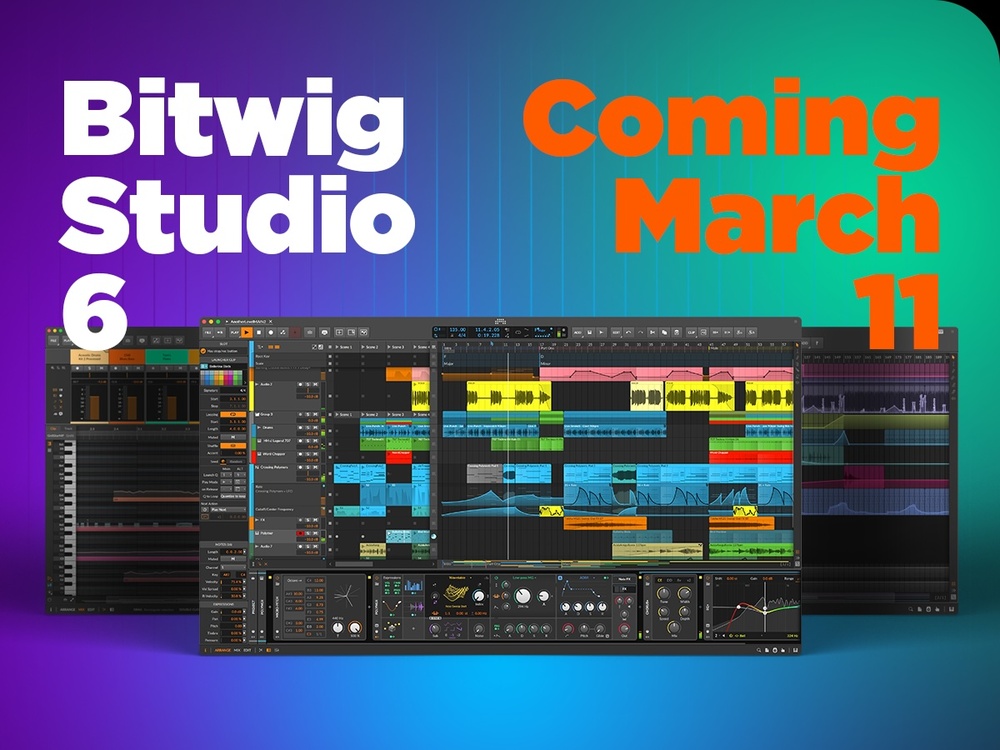
Edit 11 March 2026 — Bitwig Studio 6 is now live, and available for all to download!
The latest version of Bitwig’s DAW software is set for release, and is said to represent a big step forward that improves and expands on many of the software’s core features. Bitwig Studio 6 significantly overhauls the automation system, introduces a new Clip Alias function that provides a new way to manage a track’s structure, and delivers some new editing tools while making improvements to some of the existing line-up.
Automation & Clip Improvements
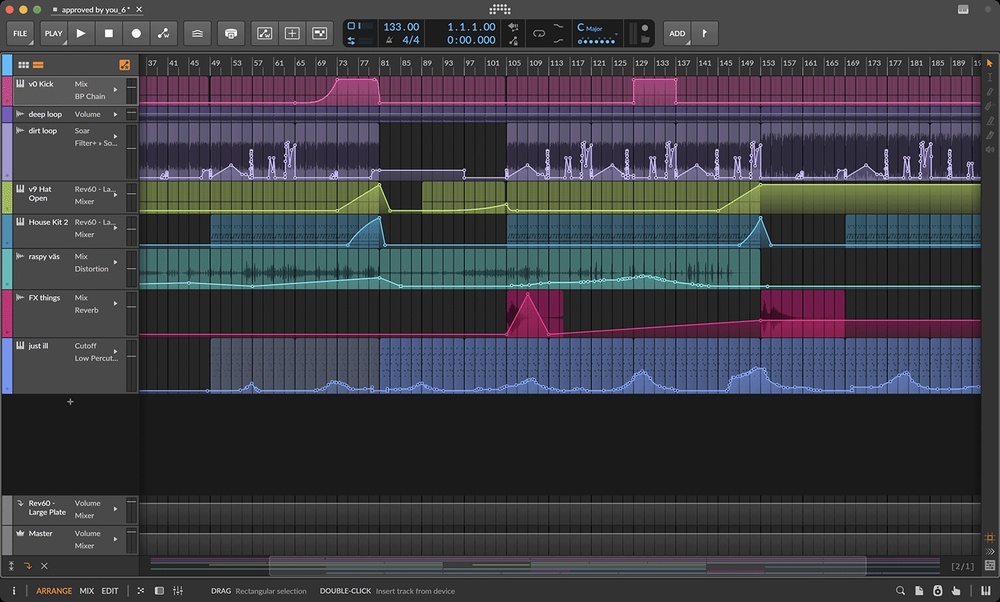
Automation is at the top of the list for Bitwig Studio 6, which introduces an extensive upgrade to the DAW’s existing system. Hitting the A key will now switch the view to a new Automation Mode that overlays every track with an automation lane occupied by the last-touched parameter — or any other single lane of the user’s choice. There’s also a Detail Editor Panel that offers access to all automation for any track in an effort to keep the main Arranger view neat and tidy.
Updates have been made to how automation gets drawn in, too: clicking on a line behaves in the same way as before, but clicking near it makes it possible to quickly move the line up or down, and sections of automation can be shifted by using the Time Selection tool along with a click and drag. There are new automation behaviours inspired by the DAW’s Operators, including a spread feature designed to add variation to existing curves, and a new Spray Can tool makes it possible to ‘paint’ a series of held points at the current grid interval.
Additionally, automation can be saved to clips, and benefits from all of the same features as any of Bitwig Studio’s other clip-based functions — drag-and-drop placement, looping, stretching and so on.
GUI Updates
All of the new functions are complemented by a visual overhaul, and Bitwig Studio 6 now offers some additional customisation options. Editing tools are now laid out as a palette on the right side of the GUI, and a new set of project-wide visual controls can be accessed by right-clicking at the top of the Bitwig window. Track headers now offer a more dynamic behaviour when being resized, and a new Arranger Auto Zoom option makes it possible to adjust selected tracks or lanes while everything else remains unchanged. The software’s sequencers have been overhauled, too, and the Clip Launcher now offers a visual representation of clip position and loop count for each track, while clips in the arranger now display the beat grid lines behind them.
And More!
Along with the headline features, Bitwig Studio 6 also introduces a whole host of smaller improvements and enhancements. Projects now have a Key Signature designed to help users work with notes; a scale is displayed when working in the Piano Roll and can be used alongside the Snap to Key function to ensure edits remain locked in tune, and the function can also be linked to the likes of the Arpeggiator.
The new Spray Can tool is joined by an Audition tool that can be used to directly preview any track or clip, while a Step Input tool offers a quick, intuitive way to enter notes, and even supports multi-note input.Four new Grid modules tackle tasks such as quantising by Scale and shifting by Scale Steps, as well as providing access to the global Root Key or allowing users to pick their own using Pitch Class.
Finally, when opening a project made in a previous version of Bitwig, a permanent backup of the original project file will be saved for peace of mind when trying out new updates.
Compatibility
Bitwig Studio 6 will be supported on PCs running Windows 10 or higher, and Macs running macOS 12 and above.
Pricing & Availability
Bitwig Studio 6 will be available on 11 March 2026, and is a free update to all users with an active Upgrade Plan.